Be honest with me: when did you last update your LinkedIn profile? If the answer is “when I created it”, you are in very good company. Most Pakistani graduates make an account, add a photo from a wedding, write “Student at XYZ University”, and then wonder why recruiters never message them.
The good news is that LinkedIn is easy to fix, and most of it takes less than an hour. In this guide I’ll explain what actually matters, in simple words, the way I would tell a friend. No complicated marketing talk.
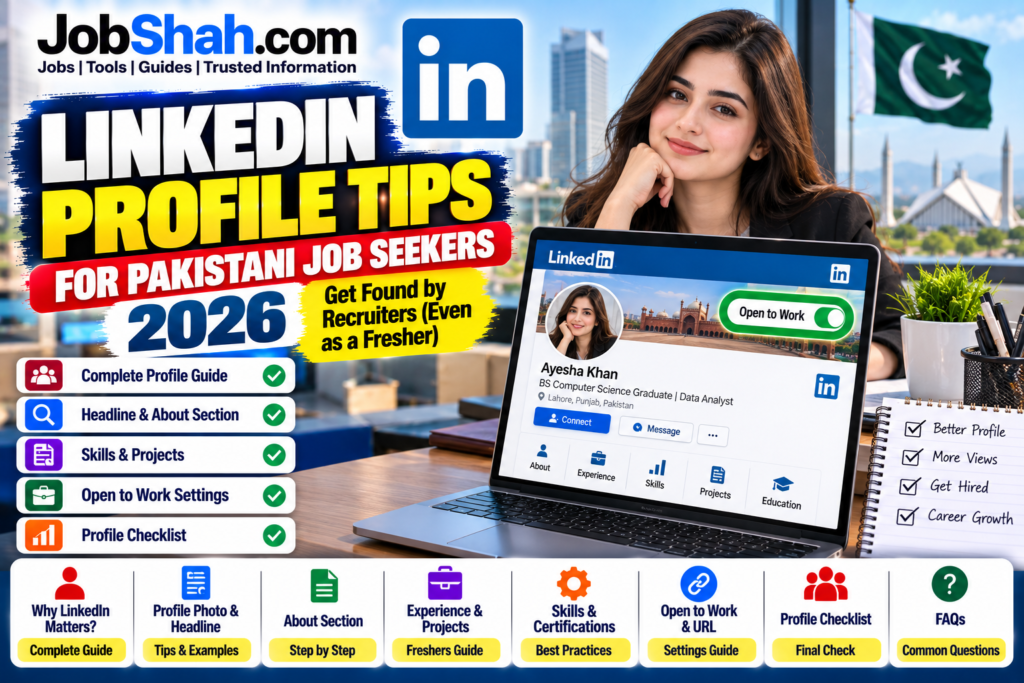
Why LinkedIn Matters for Pakistani Job Seekers
LinkedIn is not only for people in Silicon Valley. According to NapoleonCat’s estimate based on advertising data, there were about 15 million LinkedIn users in Pakistan in 2026, which is around 6.3% of the population. The biggest group is aged 25 to 34, so the people you are competing with, and the people hiring you, are probably already there. Treat the number as an estimate, not an official count.
| Quick Fact | Information |
|---|---|
| Estimated LinkedIn users in Pakistan (2026) | About 15 million |
| Largest age group | 25 to 34 years |
| Best for | Private jobs, multinationals, IT, remote work and Gulf jobs |
| Posted by | Jobshah.com |
An Honest Word First: Where LinkedIn Helps and Where It Does Not
| Type of Job | Does LinkedIn Help? |
|---|---|
| Private companies and multinationals | Yes, a lot. Recruiters search here. |
| IT, marketing, finance, HR and design jobs | Yes |
| Remote and international jobs | Yes |
| Government jobs (FPSC, PPSC, NTS, OTS and similar) | Not for applying. These use their own portals and forms. |
For government posts, use the official portals and read our guide on how to apply for a government job after graduation. LinkedIn still helps there for one thing: networking and learning. But it will not replace the official application.
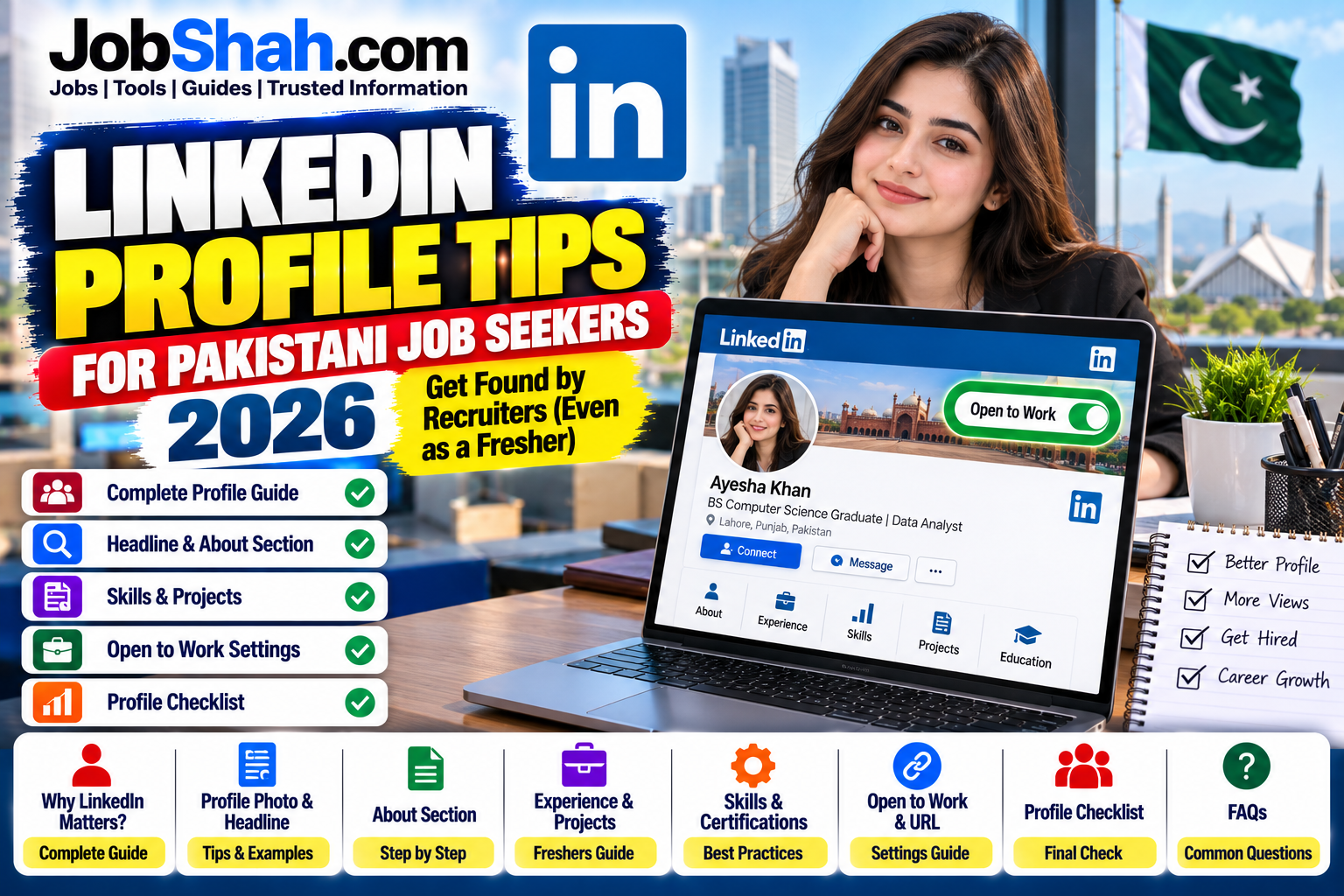
The 10 Parts of Your Profile That Matter Most
1. Profile Photo
Use a clear, recent photo with your face visible, good light and a plain background. No sunglasses, no group photos, no filters. A phone photo near a window is enough.
2. Headline (This Is the Most Important Line)
Your headline shows in search results, connection requests and comments. By default LinkedIn copies your job title, which is a wasted opportunity. Recent guides say you can use up to 220 characters, so check the counter when you edit.
Formula: target role + 2 or 3 skills + a short proof or goal.
| Weak Headline | Better Headline |
|---|---|
| Student at University of Punjab | BS Computer Science Graduate | Python, SQL, Power BI | Looking for Junior Data Analyst Roles in Lahore |
| Accountant | Accounts Officer | Tax, Reconciliation, Excel | ACCA Affiliate |
| Fresh Graduate | BBA Marketing Graduate | Social Media, Canva, Content Writing | Open to Internships in Karachi |
Use the job title that recruiters actually type. Keep it simple, not fancy.
3. About Section
You get up to 2,600 characters, but only the first few lines show before “see more”, so put your best information first.
A simple 3-paragraph structure:
- Who you are and what role you want.
- Your strongest skills, projects or results.
- What you are looking for and how to contact you.
Example for a fresher: “I am a BS Computer Science graduate from Lahore, looking for a junior data analyst role. During my final-year project, I built a sales dashboard in Power BI and cleaned a dataset of 20,000 rows using Python. I enjoy turning messy data into simple reports. I am open to full-time roles and internships, and you can message me here or email me.”
Cut empty words like “hardworking”, “passionate” and “team player”. Show proof instead.
4. Experience
Do not copy your job description. Write what you did and what changed. Even internships, volunteer work and freelance projects count.
| Instead of | Write |
|---|---|
| Handled social media | Managed 3 social pages and grew followers by 30% in 4 months |
| Did data entry | Entered and checked 500 records daily with fewer than 2% errors |
Only use real numbers. Never invent them.
5. Projects (Freshers, This Is Your Secret Weapon)
If you have no experience, add your final-year project, class projects, a Kaggle notebook, a design portfolio or a GitHub link. Describe the problem, what you did and the tools you used.
6. Skills
Skills are a search field. If you want to be found for “Excel”, “SQL” or “Customer Support”, they must appear as those exact words. Add 10 or more relevant skills, and pin the top ones to the top.
7. Education and Certifications
List your degree, university, years and relevant courses. Add online certificates from platforms you actually completed, and link them if possible.
8. Location, Custom URL and Contact Info
Set your city and country correctly, because recruiters filter by location. Change your profile URL to something clean like your name. Add an email you check regularly.
9. Open to Work Setting
In your profile settings you can turn on the Open to Work feature. LinkedIn lets you show it to recruiters only or to everyone with a visible badge. If you are currently employed, the recruiters-only option is usually safer.
10. Recommendations and Featured Section
Ask a teacher, supervisor or client to write two or three lines about you. Add your CV, a project link or a portfolio to the Featured section.
Profile Checklist
| Item | Done? |
|---|---|
| Clear photo | |
| Headline with target role and skills | |
| About section with first lines doing the work | |
| At least one project or experience with real results | |
| 10+ relevant skills | |
| Correct city and country | |
| Custom profile URL | |
| Open to Work turned on, with the right audience |
How to Message Recruiters Without Looking Desperate
Keep it short, polite and specific.
“Assalam o Alaikum [Name], I saw that your company is hiring a [role]. I am a [your background] with experience in [skill 1] and [skill 2]. I have applied through the official link and would be grateful for any advice. Thank you.”
Do not copy-paste the same message to 100 people, and never send your CNIC, bank details or personal documents in the first message.
Safety: Fake Recruiters Are Real
Scammers use LinkedIn and WhatsApp too. Be careful if someone:
- Asks you to pay a “registration” or “training” fee
- Offers a very high salary for little work
- Wants your CNIC, bank account or OTP early on
- Moves you quickly to WhatsApp without a company email
Check the company’s real website and careers page before replying. If a recruiter is genuine, they will not mind.
A 30-Minute Action Plan
| Minutes | Task |
|---|---|
| 0 to 5 | Update your photo and city |
| 5 to 15 | Rewrite your headline using the formula |
| 15 to 25 | Write your About section |
| 25 to 30 | Add skills and turn on Open to Work |
Then spend 10 minutes a week commenting thoughtfully on posts from companies and people in your field. Visibility comes from being active, not only from being perfect.
Also Check > How to Write a Professional Resume with No Experience in Pakistan
Match Your LinkedIn With Your CV
Recruiters will often compare your LinkedIn profile with your CV, so keep dates, job titles and education the same. Use our CV guide for government and private jobs to build a clean CV, then copy the same facts to LinkedIn.
Get Ready for the Interview
LinkedIn can get you the call, but the interview gets you the job. Read how to pass a job interview in Pakistan and avoid the 10 interview mistakes that cost candidates offers.
Companies and Programs to Follow
| Topic | Link |
|---|---|
| All private jobs | Private Jobs category |
| Internships | Internships category |
| Factory and company jobs | Factory Jobs category |
| Millat Tractors internship | Millat Tractors Internship 2026 |
| Packages Limited | Packages Limited Jobs |
| TCS | TCS Jobs |
Common Mistakes to Avoid
- A profile photo that is blurry, cropped from a group photo or heavily filtered
- A headline that just says “Student” or “Looking for opportunities”
- Typing “Keywords:” followed by a list in the About section
- Copying your CV word for word without explaining results
- Making fake claims about skills or experience
- Posting private details such as your CNIC, phone number on a public post or home address
Contact and Help
| Detail | Information |
|---|---|
| Platform | |
| Help | Use the Help Centre inside your LinkedIn account |
| Job Listings | Jobshah.com |
Final Thoughts
A good LinkedIn profile is not about being fancy. It is about being easy to find and easy to trust. Fix your headline, tell a clear story in your About section, show real projects, and be careful about scams. Do these things this week and you will already be ahead of most candidates.
Bookmark Jobshah.com for new vacancies, career guides and preparation help.
Frequently Asked Questions
1. Does LinkedIn help Pakistani job seekers? Yes, especially for private companies, multinationals, IT, marketing, finance, remote work and Gulf jobs. For government jobs, you still apply through official portals.
2. What should my LinkedIn headline be? Your target job title, two or three key skills and a short proof or goal, for example “BS Computer Science Graduate | Python, SQL | Looking for Junior Data Analyst Roles in Lahore”.
3. How long can my LinkedIn headline be? Recent guides say up to 220 characters. Check the counter when you edit your profile.
4. How long can the About section be? Up to 2,600 characters, but only the first few lines show before “see more”, so start strong.
5. I am a fresher with no experience. What can I add? Final-year projects, class projects, internships, volunteer work, certificates and a portfolio or GitHub link.
6. Should I turn on Open to Work? If you are searching actively, yes. You can show it to recruiters only or to everyone. If you are currently employed, recruiters only is usually safer.
7. How do I spot a fake recruiter? Be careful if they ask for money, your CNIC, bank details or OTP, or if they push you to WhatsApp without a company email.
8. Can I apply for FPSC or PPSC jobs through LinkedIn? No. Government jobs use their own official portals and forms.